.png?width=283&height=51&name=Admincontrol_Logo-RGB_Reverse%20(1).png "Admincontrol_Logo-RGB_Reverse (1)")
Send survey
Click the top right Send survey button to select recipients. You can select to send out an invitation via both e-mail and SMS. 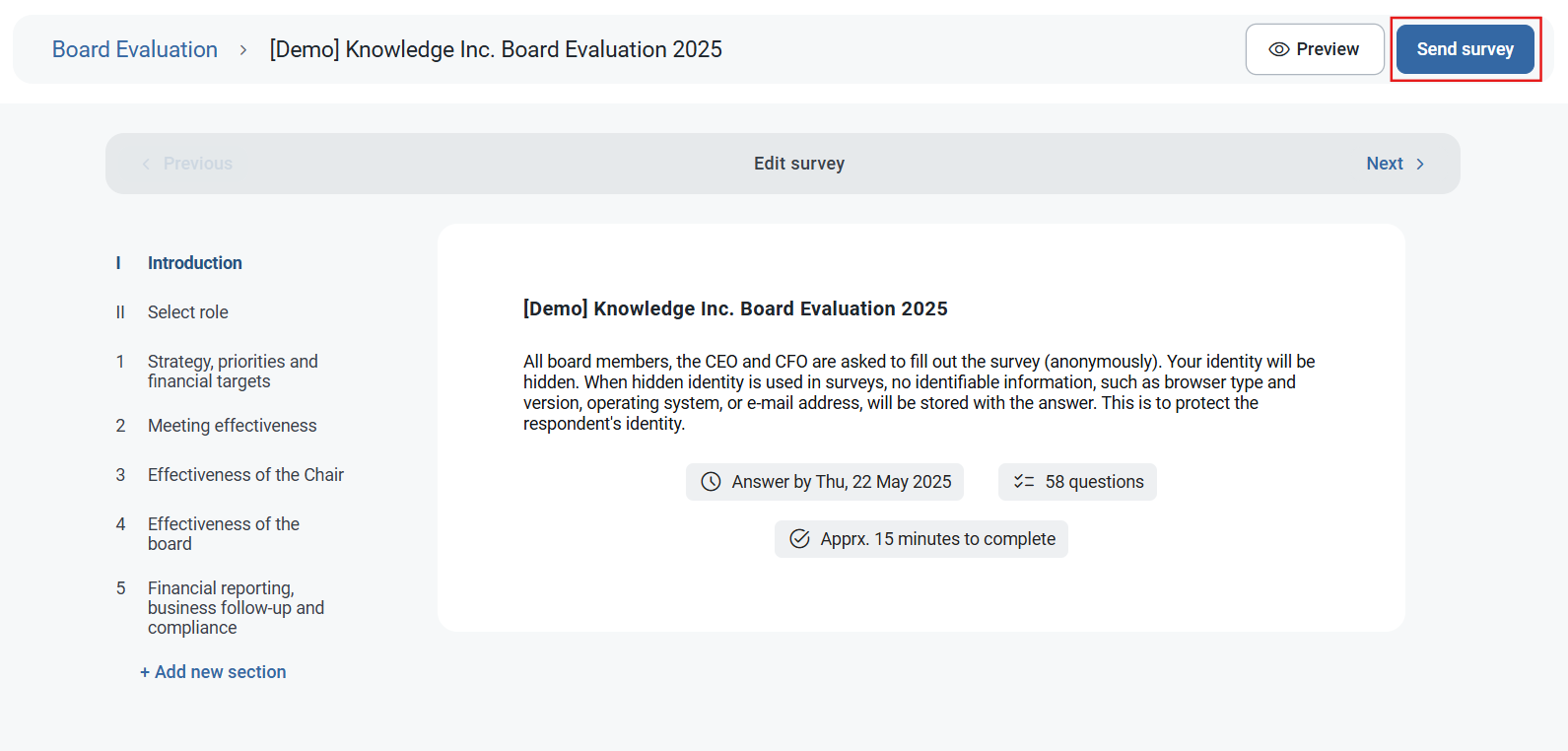
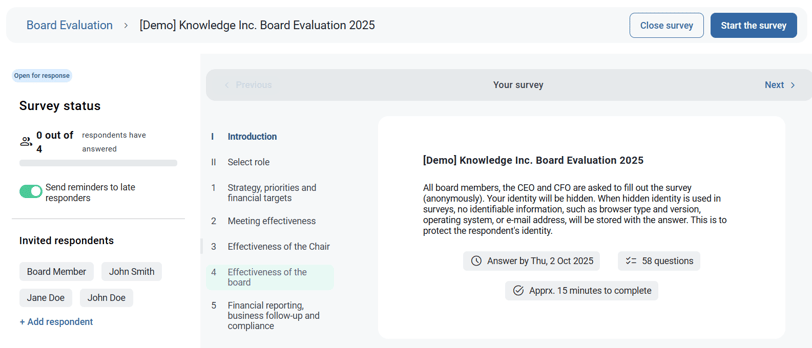
You can at any time add recipients to an existing survey. Under Invited respondents, click + Add respondent.
Survey status
You can see the status of responses under Survey status. As the survey is anonymous, you can only see the number of answers.
Send reminders
You have the option to send out reminders to late respondents. This is set up by default and late responders will receive a reminder to fill out the survey 2 days before the due date. To deactivate automatic reminders, click the Send reminders to late responders button.