.png?width=283&height=51&name=Admincontrol_Logo-RGB_Reverse%20(1).png "Admincontrol_Logo-RGB_Reverse (1)")
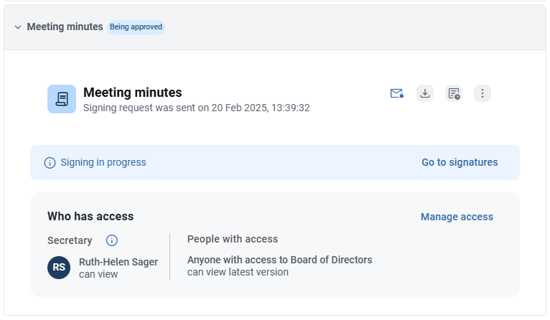
If you've sent out a signature request for meeting minutes, the status will show as "Being Approved."
Steps to Cancel a Signature Request
1. Locate the Signature Request
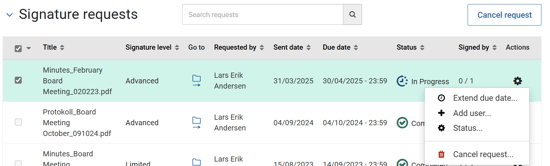
- Go to the signature page and find the pending signature request for the meeting minutes.
2. Cancel the Request
- Click the cogwheel icon and select Cancel Request.
Note: If a user has rejected the signature request, you will first need to action this first. If you are sure you need to cancel the request, you can remove the user from the signature request. See Rejection handling of electronic signatures for more information.
3. Confirm the Cancellation
- Confirm the cancellation in the prompt that appears.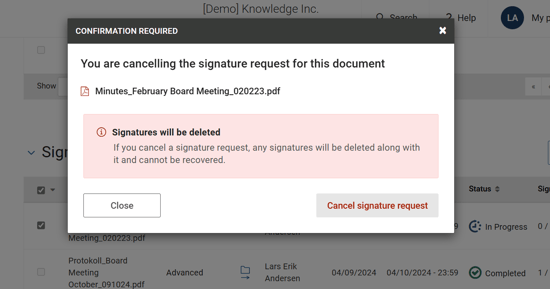
Editing Meeting Minutes
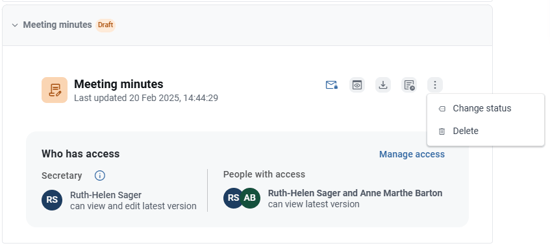
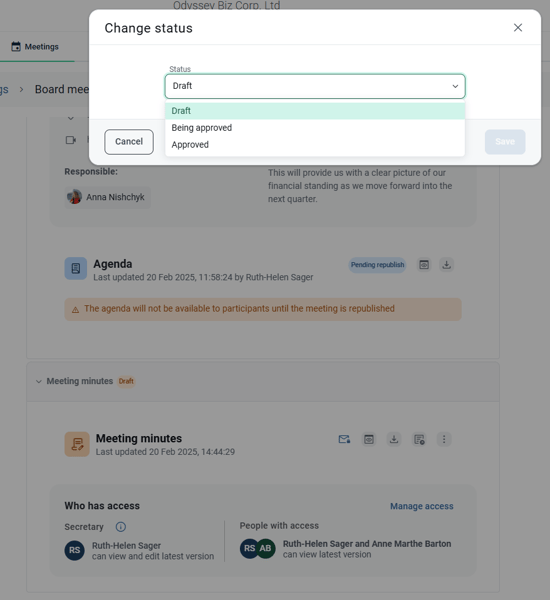
Once the signature request is canceled, return to the meeting page where the minutes are located. Click the three dots in the top right corner of the meeting minutes to change the status. Select Draft to make further edits.