.png?width=283&height=51&name=Admincontrol_Logo-RGB_Reverse%20(1).png "Admincontrol_Logo-RGB_Reverse (1)")
Efficient message management in your inbox is streamlined with a date filter and message selection options.
Using Filters to Find Messages
Filter Options:
- Your inbox includes a date filter and selection filters for viewing All Messages, Unread Messages, or Drafts.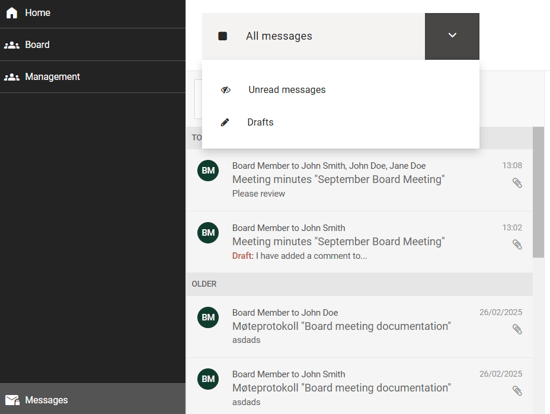
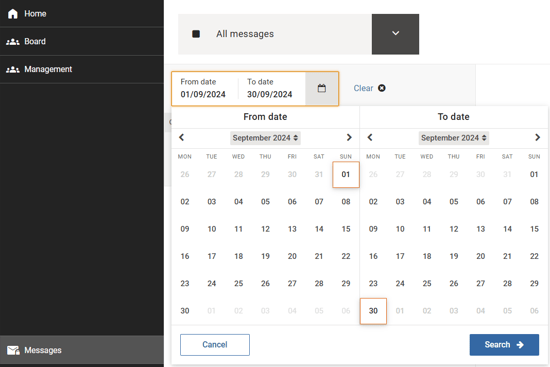
Date Selection:
- To locate specific messages, use the date filter to define a range. This function displays messages with any activity—such as new messages or replies to ongoing conversations—within the selected time frame.
Example
If you're searching for messages related to a board meeting conducted in September, you can simply select the September date range to retrieve all relevant messages and replies.