.png?width=283&height=51&name=Admincontrol_Logo-RGB_Reverse%20(1).png "Admincontrol_Logo-RGB_Reverse (1)")
Set up and get started with Limited electronic signature.
Under My Profile, you will find the option Login and Electronic ID in your personal settings.
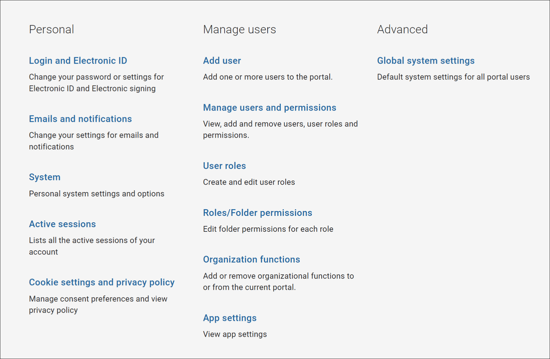
Under the section for Electronic signature, you can select the type of electronic signature that will be used for signing documents. There are two levels of Electronic signature available; Advanced electronic signature and Limited electronic signature. Select Limited electronic signature.
When setting up Limited electronic signature, you will have to verify their name and phone number registered in the Admincontrol service with verification by entering a system generated SMS code.
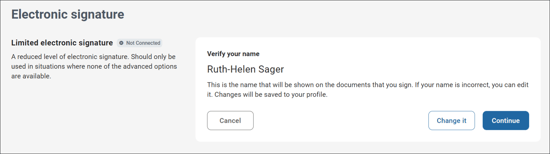
An administrator can send out signature request to users that have not yet set up electronic signature. Follow the steps above to set up the selected type of electronic signature in order to sign the document.