.png?width=283&height=51&name=Admincontrol_Logo-RGB_Reverse%20(1).png "Admincontrol_Logo-RGB_Reverse (1)")
Initial Setup Steps
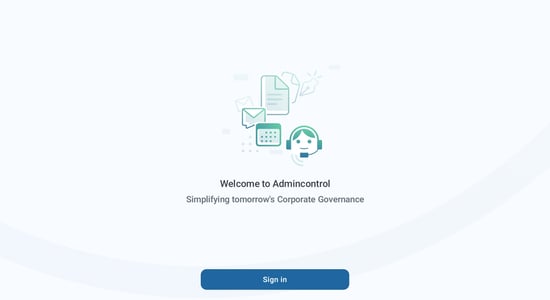
When first setting up the app, the first page you will be presented with is a welcome page with a blue Sign in button. Please click on the Sign in button to proceed with logging in using your Admincontrol account.
1. Logging In
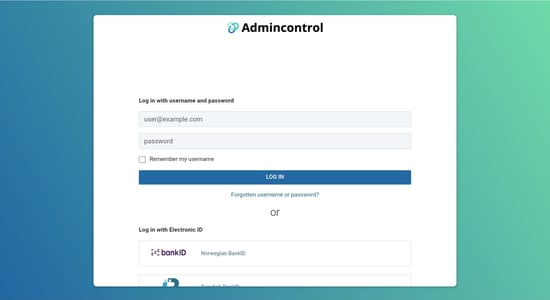
The login page in the new app is similar to the one you use when logging in via web browser. Log in with username/password or your electronic ID.
2. Setting Up Security
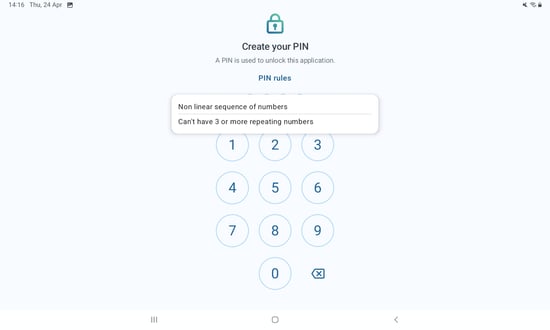
After your successful login, you are prompted to set up and verify a passcode. This passcode must be 4 digits.
3. Information
After you have successfully created your PIN, the next page will present you with information regarding the new dashboard in the app. Press the blue Done button to continue.
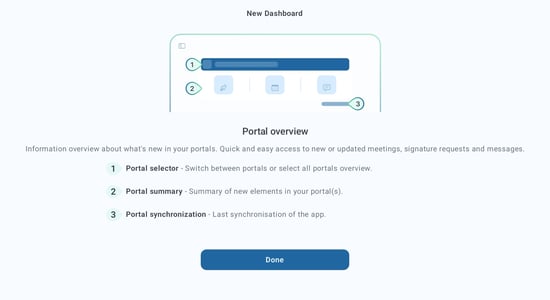
4. Synchronizing and finalizing the set up
The app will now start synchronizing your content.
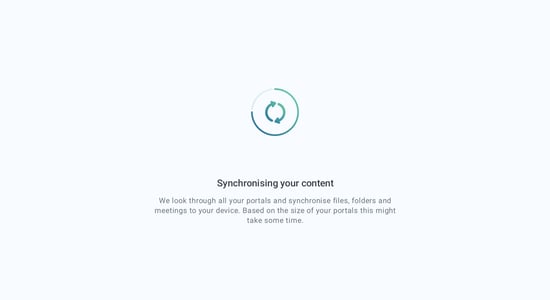
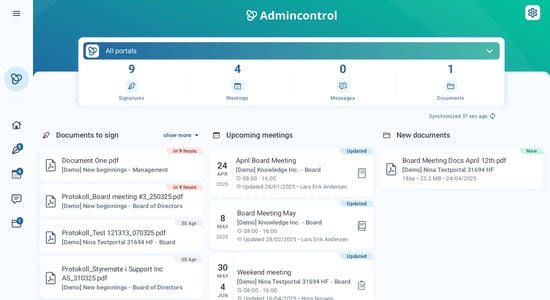
When the sync is complete, you will be sent to the overview of the app. This shows all content between multiple portals you have access to.