.png?width=283&height=51&name=Admincontrol_Logo-RGB_Reverse%20(1).png "Admincontrol_Logo-RGB_Reverse (1)")
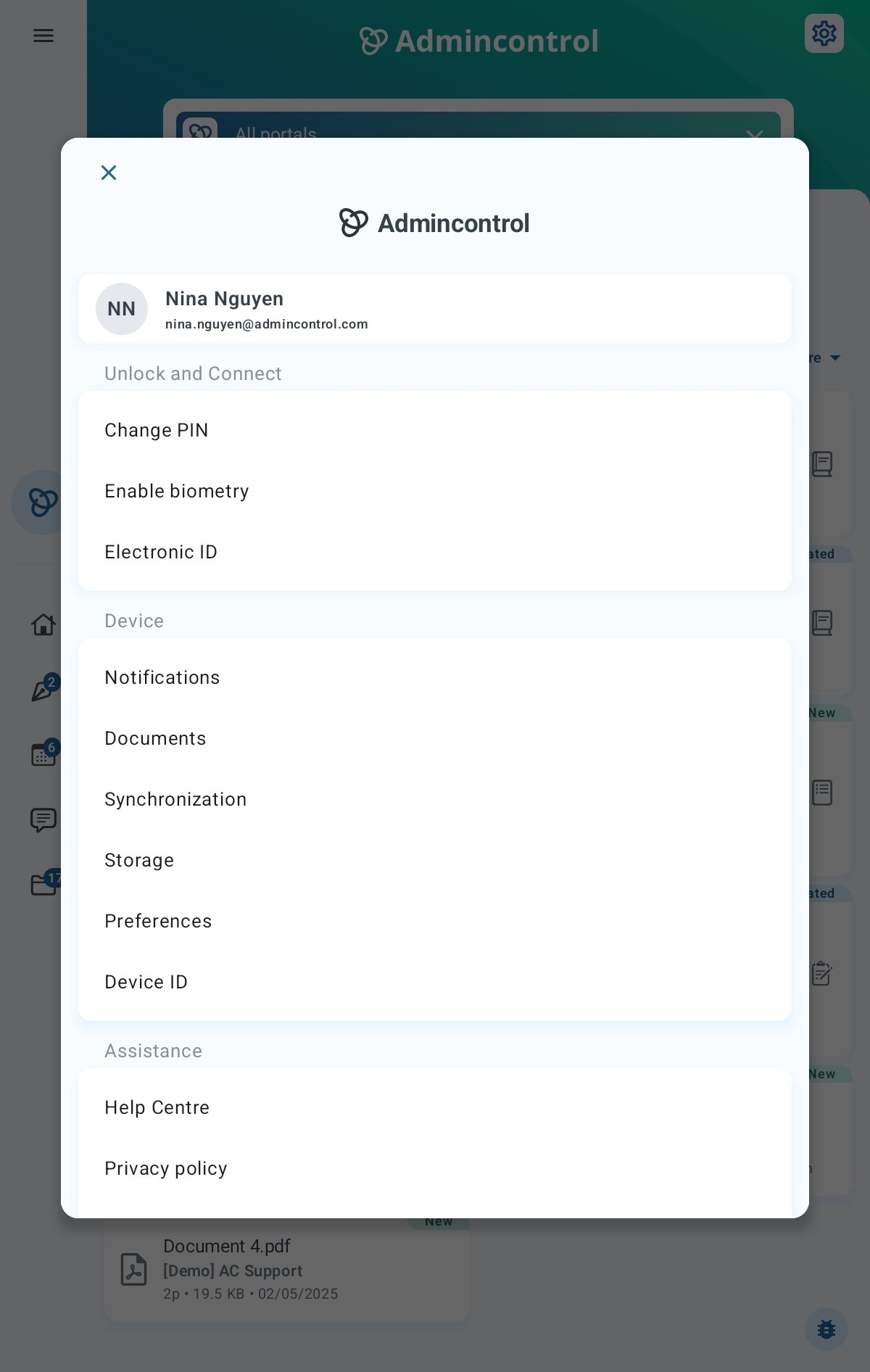
In the Settings menu, you can change personal settings to the app. To access the settings menu, please click on the cogwheel icon in the top right corner on the start page in the app.
Change PIN
Settings > Change PIN allows you to change the PIN-code used when unlocking the app. A pin code is required to be able to use the app.
Document Settings
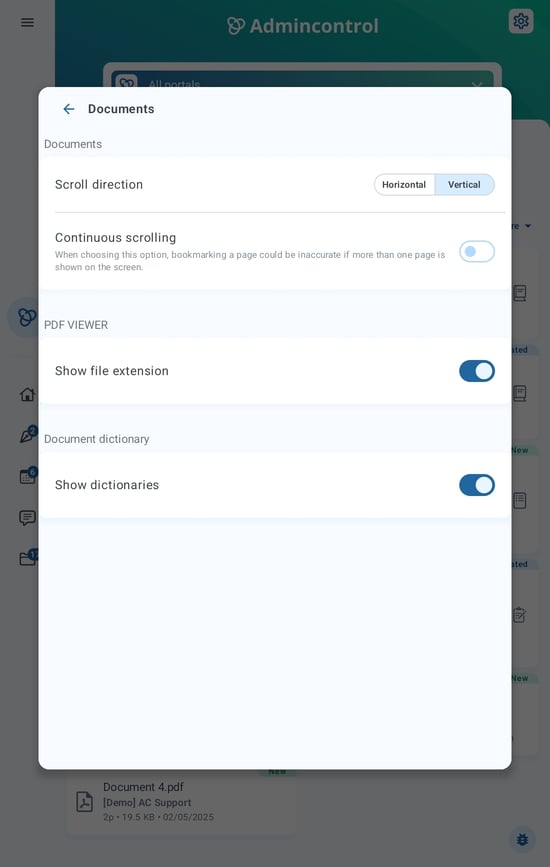
Under Settings > Documents, you can enable features such as scroll direction, display file extension and the use of dictionaries.
Offline mode
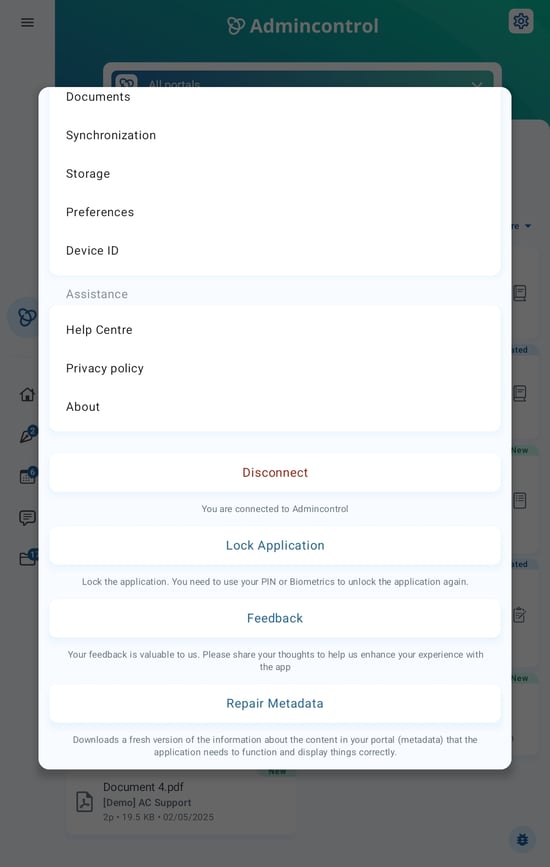
Further down on the Settings page, you can choose to Disconnect the app. This will make the app go into offline mode. The app will not synchronize data in this mode. All data added during offline mode (such as annotations) will automatically by synced the next time you go online.
Lock application
Lock application will lock the app and send you to the lock screen. To unlock the app, simply enter your app PIN-code.
Repair Metadata
Repair Metadata downloads a fresh version of the information available in your portal. This feature can be used as a troubleshooting step, if you experience issues with synchronization.