.png?width=283&height=51&name=Admincontrol_Logo-RGB_Reverse%20(1).png "Admincontrol_Logo-RGB_Reverse (1)")
Under Settings > Roles/Folder Permissions allows you to manage access to folders for different user roles in the data room.
Editing Visible Roles
Select Visible Roles: Use this option to edit which roles are visible within the folder structure.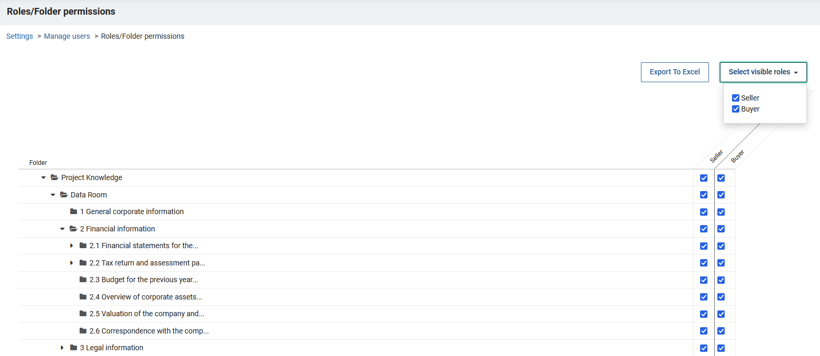
Assigning Folder Access
Match Roles to Folders: Assign a user role to a folder by checking the box next to the folder title.
Granting Full Access: To grant a user role access to all folders, click the top-level folder. This automatically extends access to all sub-folders.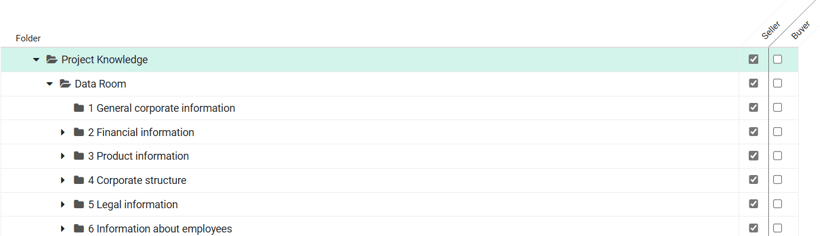
Customizing Folder Access
Exclude Specific Folders: You can remove specific sub-folder access by expanding the main folder and unchecking the sub-folder you want to exclude..png?width=820&height=212&name=mceclip0%20(1).png)
Note: Changes to roles and folder permissions are automatically saved. To create a report of current access settings, click `Export to Excel`.