
 Boards & Governance
 M&A & Transactions



 Board Management Software
 Customer stories
 Insights
 Events & Webinars
 Security & Privacy
 Product updates






 Login
Download for iPad, iPhone, Mac and Android. Included for all board members.



Overview
Everything at a Glance
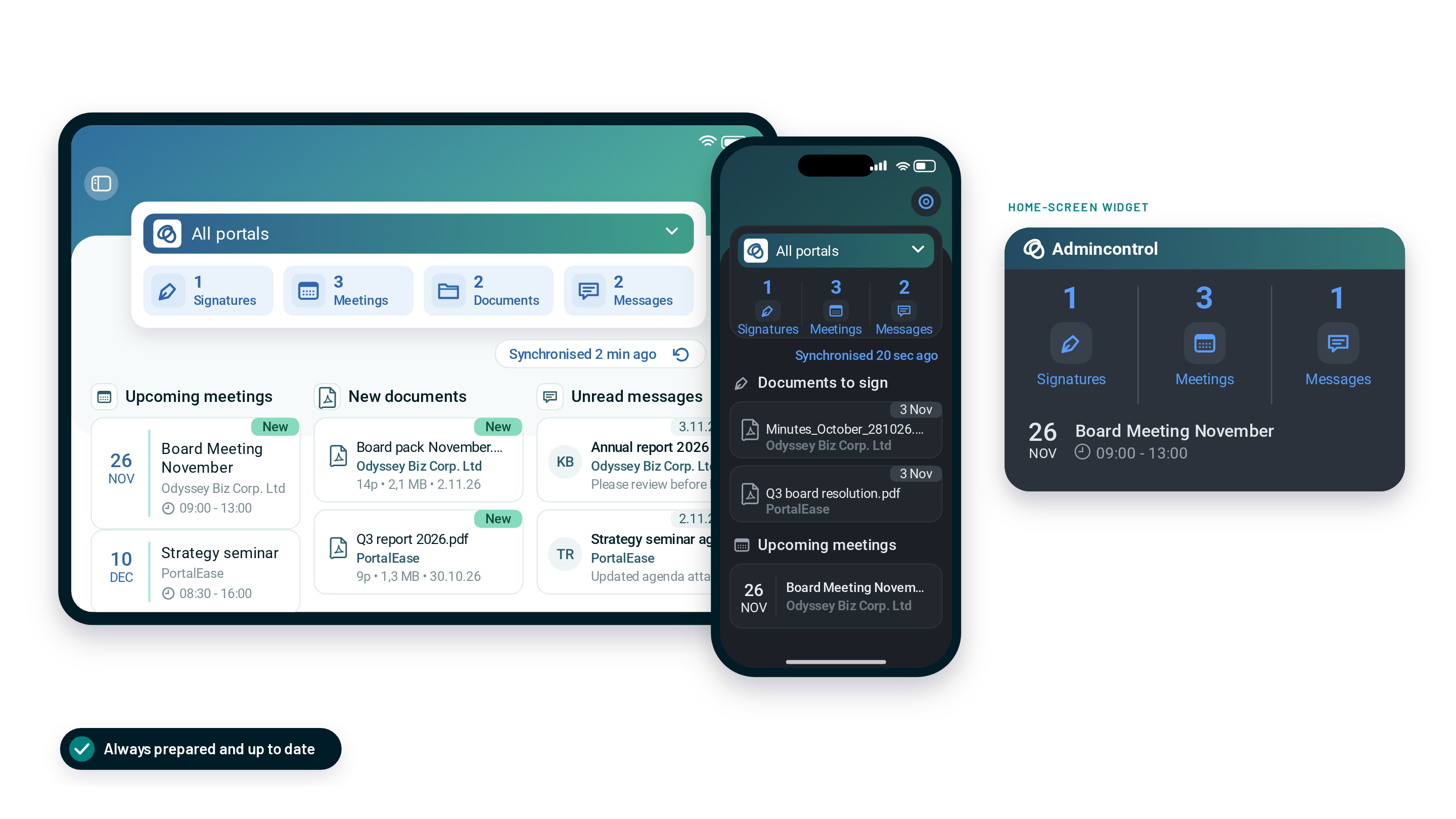
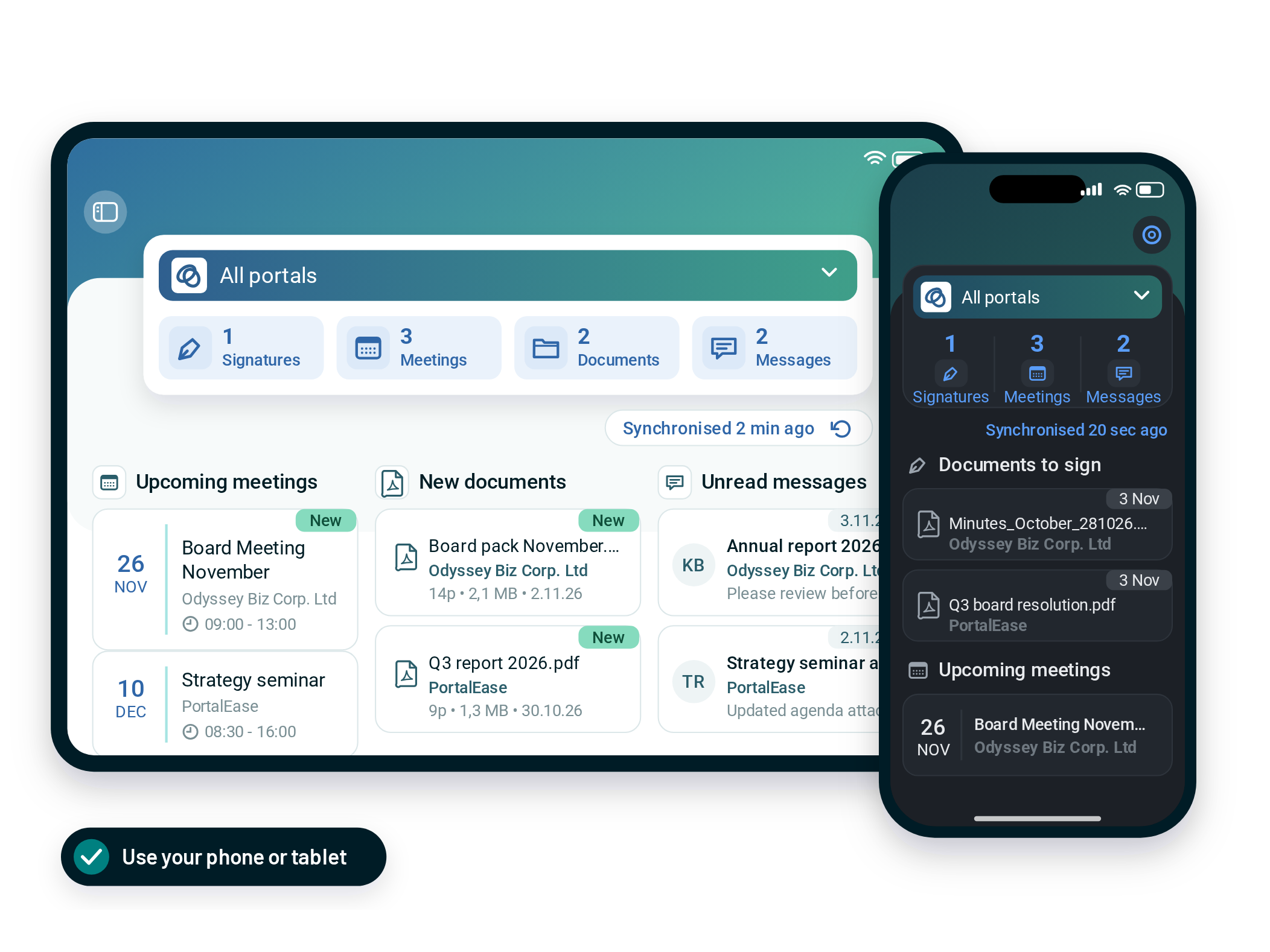
The Home screen brings together signature requests, meetings, documents and messages from all your boards. Add the widget to your iPhone and see what needs you without opening the app.
- Signature requests, meetings, documents and messages in one view
- Upcoming meetings, new documents and unread messages side by side
- Home-screen widget with your next board meeting
Always Up To Date
Never Miss Out On Updates
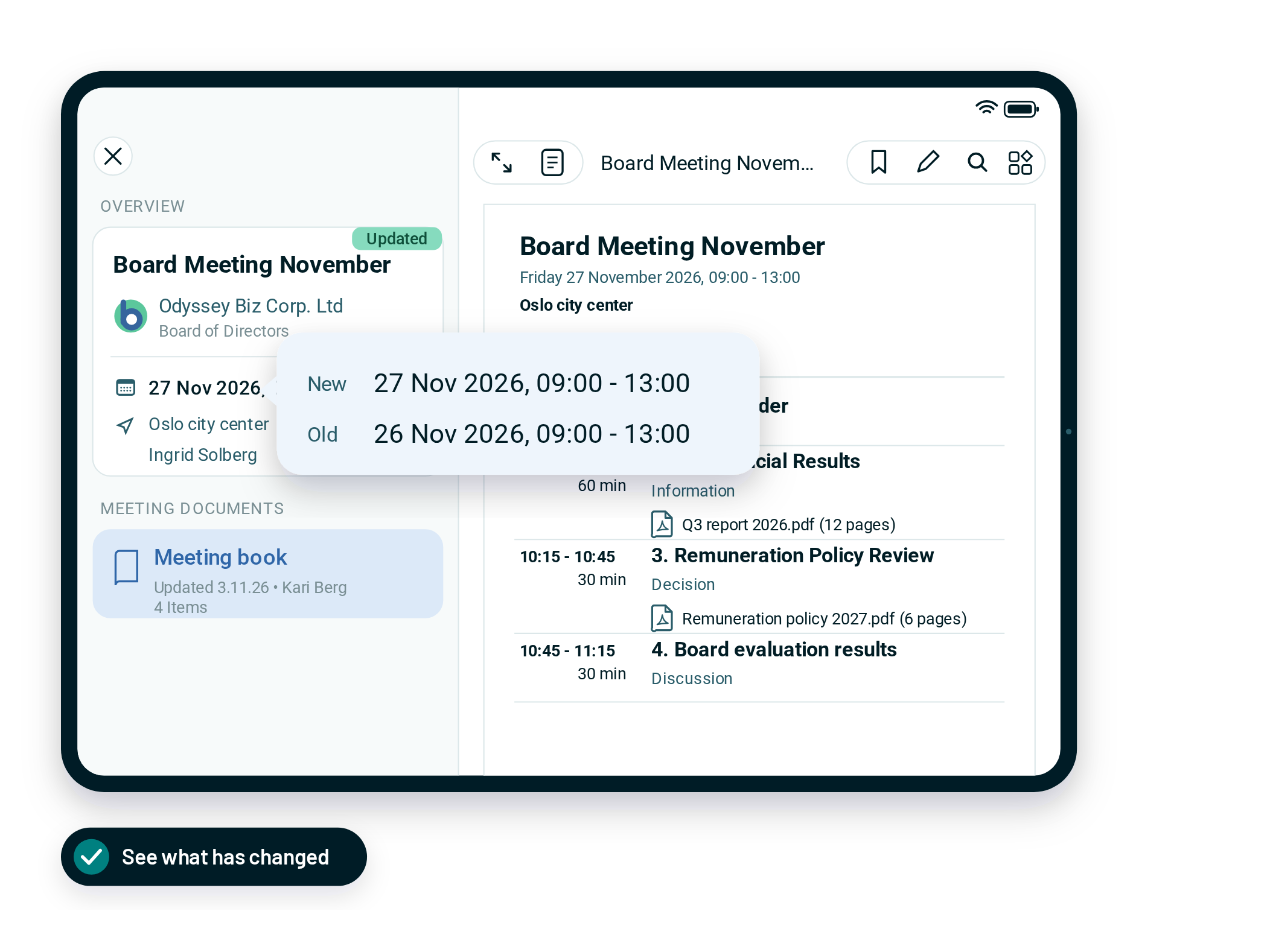
When a meeting moves or the meeting book is updated, the app marks it Updated and shows what is new next to what was there before. You always prepare from the latest version.
- Updated marker on any meeting that has changed
- New and old shown side by side
- Documents from the last 30 days download in the background
Multiple Boards
One App for Every Board You Sit On
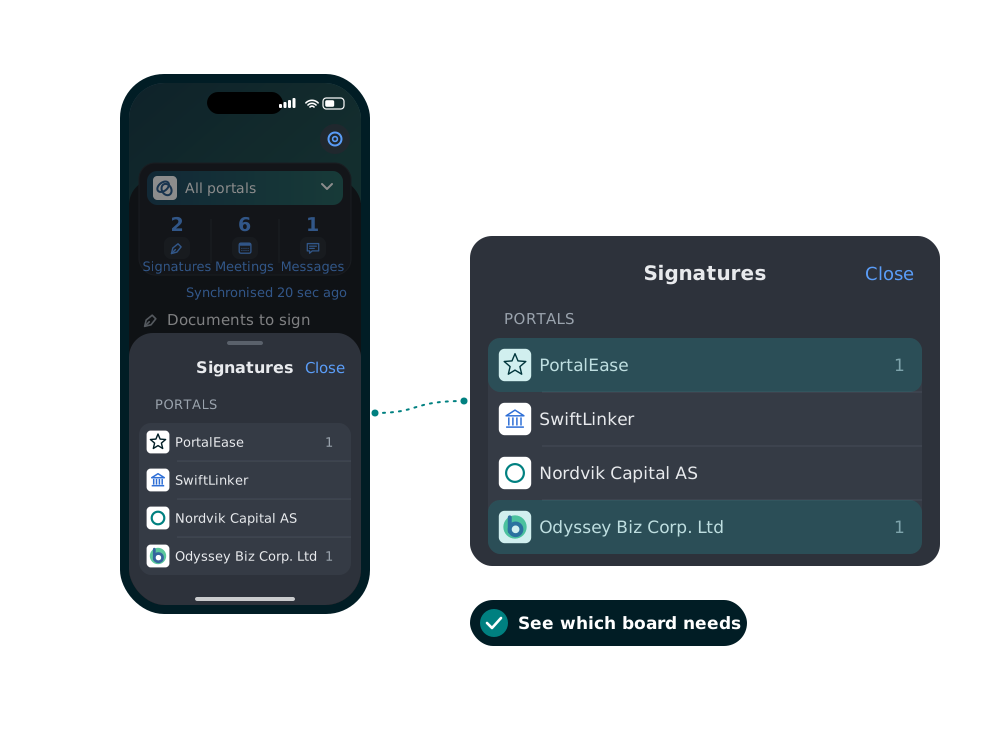
All portals combines every board in one view. See which board is waiting for your signature, then switch to that board in one tap.
- All portals view across every board
- Documents waiting for signature, counted per board

Electronic Signature
Approve the Minutes in Seconds
Open the minutes in Signatures, tap Sign document and you are done. A legally binding electronic signature from your tablet or phone.
- All signature requests in one list
- Signing with BankID, MitID or FTN
- Clear confirmation when the document is signed

Prepare Your Way
Read, Annotate and Take Notes on the Go
Mark up the board pack with a pen, keep private notes linked to each document, or have the annual report read aloud on your way to the meeting.
- Annotate documents directly on the tablet
- Private notes linked to each document
- Listen to your documents with text-to-speech

Secure Messaging
Discuss Sensitive Matters Without Email
Share a document straight from the viewer, reply in the thread or message the whole board at once. Sensitive information stays inside the board portal.
- Send documents straight from the viewer
- Send secure messages to one board member or several at once
- No board documents in email or chat apps
Everything a Board Member Needs
More ways the app keeps you prepared, from every board pack to the annual board evaluation.

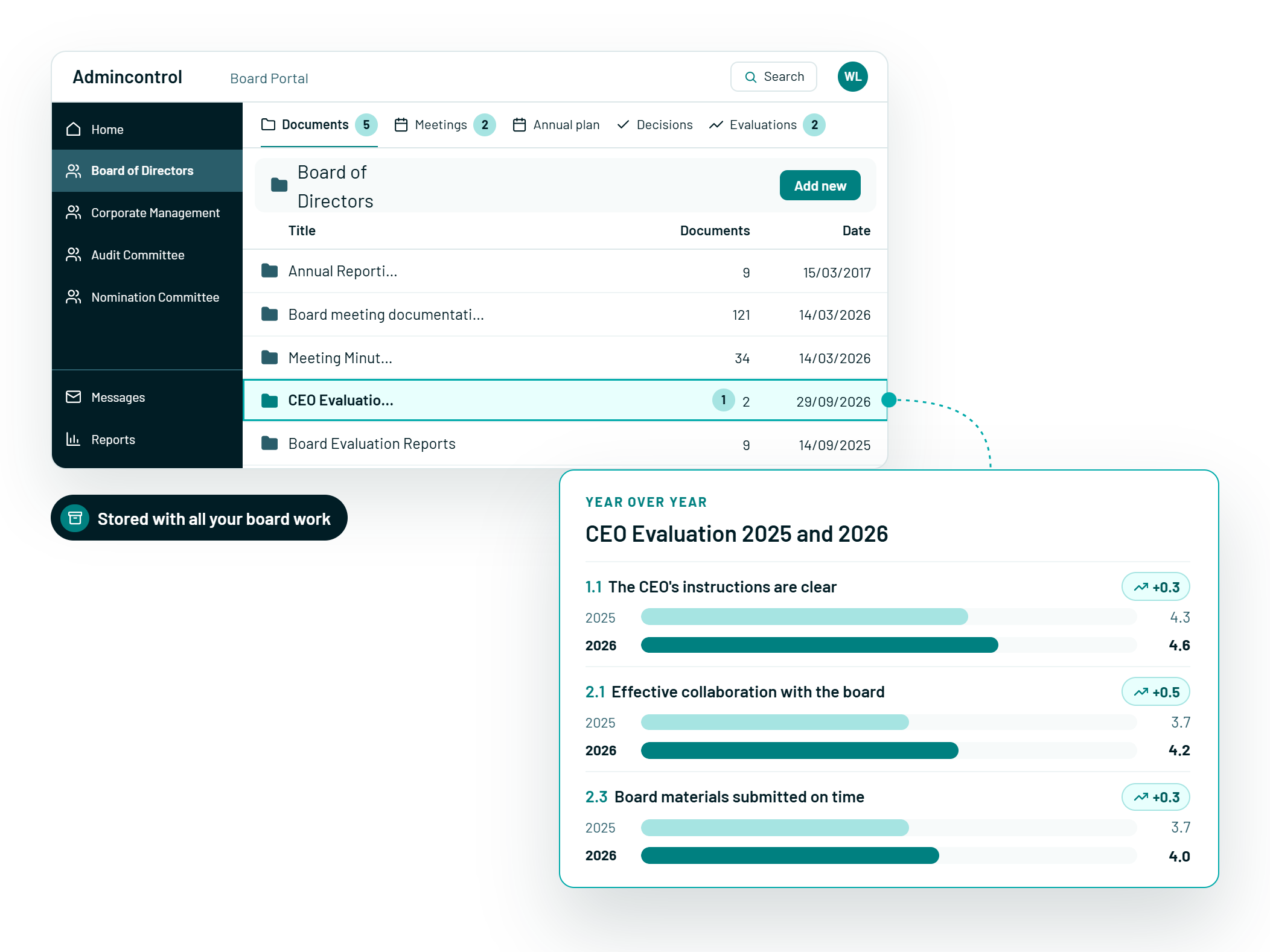
Every Board Pack, One Place
Annual reports and board packs filed by your organisation, marked New when they arrive.

Historic and Upcoming Meetings
Jump to the next meeting or look back at earlier ones, with location, organiser and meeting book.

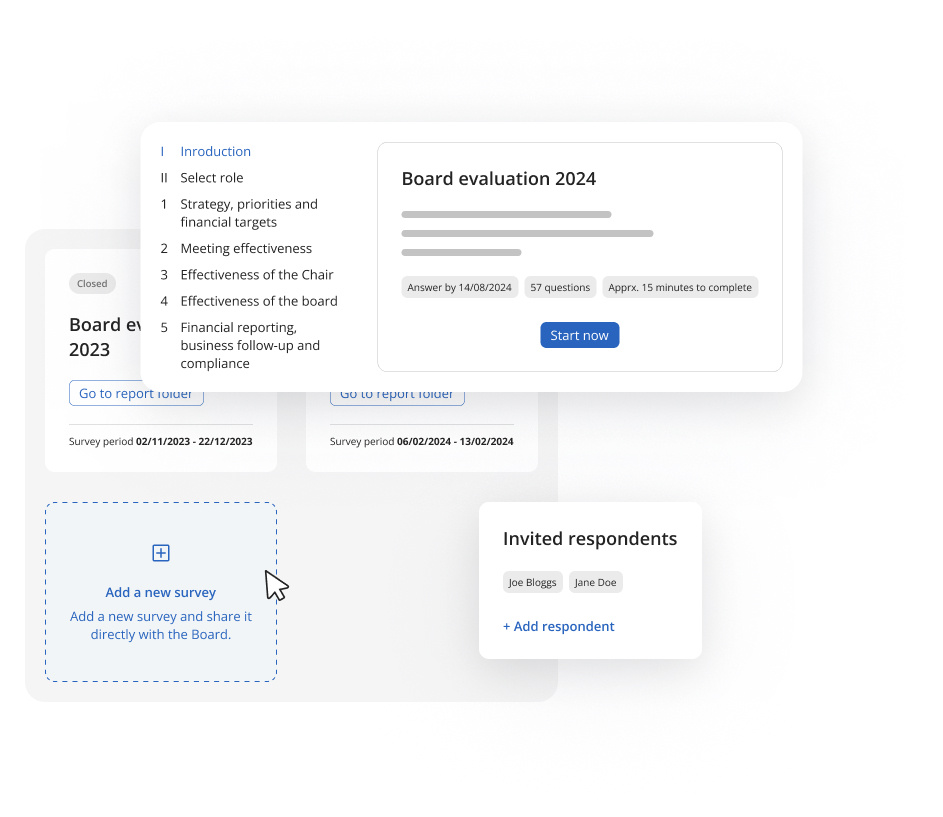
Answer Evaluations on the Go
Complete the annual board evaluation on your phone in a few minutes.

Cross Device
The same overview accross all devices - synced and up to date.
Your Security Comes First, on Every Device
The app runs on the same secure platform as the Admincontrol Board portal. You log in with two-factor authentication or BankID, discuss sensitive matters in encrypted messaging instead of email, and see only what your administrator has given you access to.

ISO 27001:2022
Our ISO 27001:2022 certification covers our entire business, including the app you use to read and sign board materials.

SOC 2 Type II
Independently audited security controls, with board data encrypted at rest and in transit between the portal and your iPad or phone.

Cyber Essentials Plus
Government-backed certification that confirms our defences against common cyber threats, so confidential board discussions stay confidential.