Boards & Governance
 M&A & Transactions




.png)





.png)
 Board Management Software
 Customer stories
 Insights
 Events & Webinars
 Security & Privacy
 Product updates

.jpg)




-Jul-03-2026-06-32-50-9626-AM.png)
 Login
Login
Prepare your digital agenda by adding all relevant agenda elements.
Define agenda items
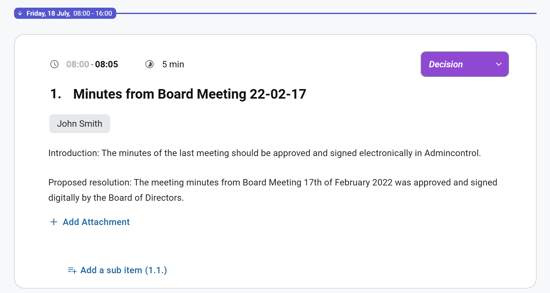
Set up agenda items and add relevant information or description for each item to make the agenda more informative and user-friendly. Adding a proposed resolution for each item will ensure that each item is actionable.
Formatting
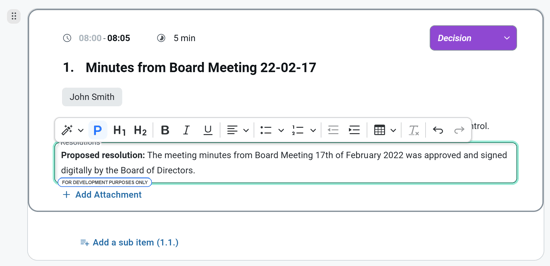
With our excellent Agenda editor, you have the option to utilize headings within your text, providing improved structure to your text. Additionally, you can easily insert tables or define bulleted or numbered lists at several levels to present relevant information in a more organized manner. There are options available for different text alignments and indents, allowing you to achieve the best layout when presenting your content. We have also included an undo and redo function, enabling you to easily reverse or restore changes.
Time allocation
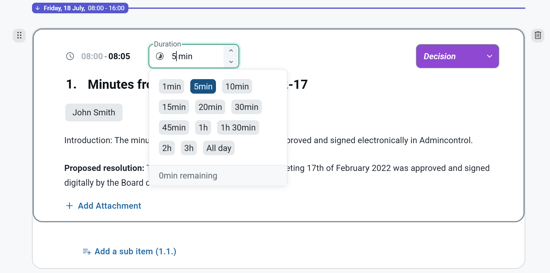
You can allocate time for each agenda item by either defining the duration for the items or by setting an end time. Both functions coexist in the agenda and can be used by your preference. It is not possible to allocate time for subitems.
Define the duration for an agenda item
To define the duration for an agenda item you can click on the (🕓) min indicator located in the top of the agenda item. When you enter a value in this field, the tool tip will update you with the remaining time for the meeting.
Setting an end time for an agenda item
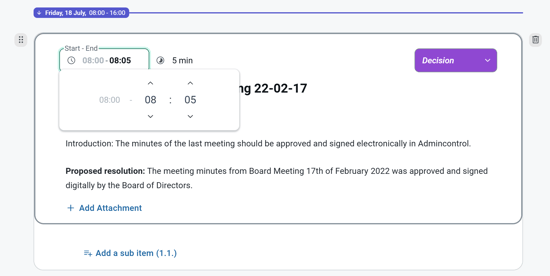
To define an end time for an agenda item you can click on the end time indicator located in the top left of the agenda item. When choosing to use end time option, the start time is set to a default value (either meeting start time or end time of previous agenda item), and end time can be selected in the detailed time picker.
Add a presenter
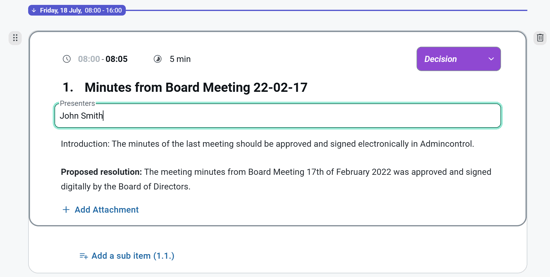
Who is the presenter of this issue? You may type in a name if it is not listed.
Type of agenda item
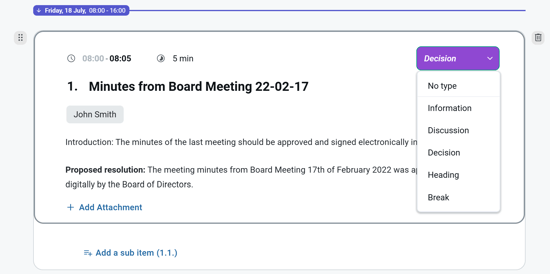
What type is the agenda item? You may type in the desired type if not listed.
Agenda item type break
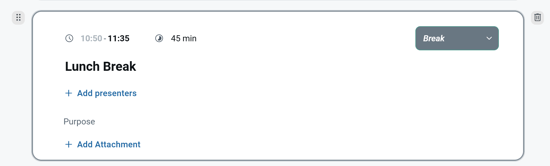
The agenda item type break allows you to add an agenda item with no item numbering. A break item will not increment the item numbering count.
Delete an agenda item
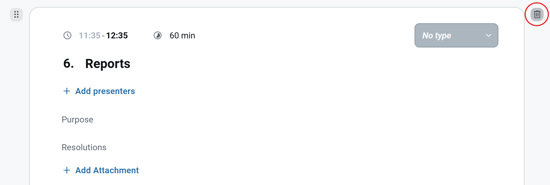
If you would like to delete an item, click trash can icon in the upper right corner for the selected item.