
 Boards & Governance
 M&A & Transactions




.png)





.png)
 Board Management Software
 Customer stories
 Insights
 Events & Webinars
 Security & Privacy
 Product updates

.jpg)




-Jul-03-2026-06-32-50-9626-AM.png)
 Login
Login
This guide applies to the Admincontrol app on Android and iOS. Screenshots are taken from one platform; the steps are the same on the other.
Overview of the dashboard
In the new dashboard of the app, you will get a summary of all your available portals.
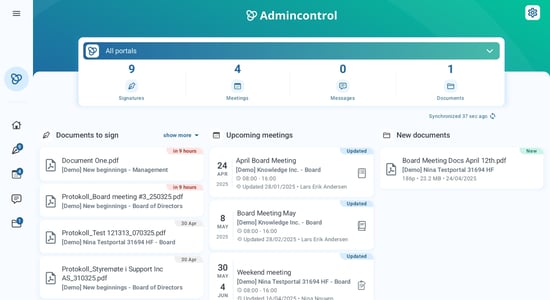
Navigating on the dashboard
You can navigate to any content across the portals by clicking on any of the items. If you click on an upcoming meeting, you will be able to view and download the meeting content.
When you have selected a portal from the list, you will see the content specific for that portal.
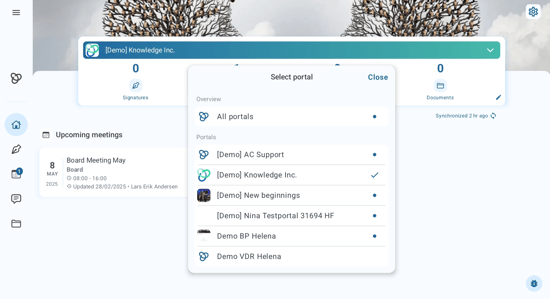
Enhanced View on iPad
Using the Side Panel
When browsing inside a portal on your iPad, you can make use of the side panel to access different areas. This feature provides easy navigation and a more organized viewing experience.
.png?width=451&height=338&name=mceclip0%20(1).png)