
 Board Portal
 Board Performance
 M&A & Transactions




 Board Management Software
 Customer stories
 Insights
 Events & Webinars
 Security & Privacy
 Product updates







 Login
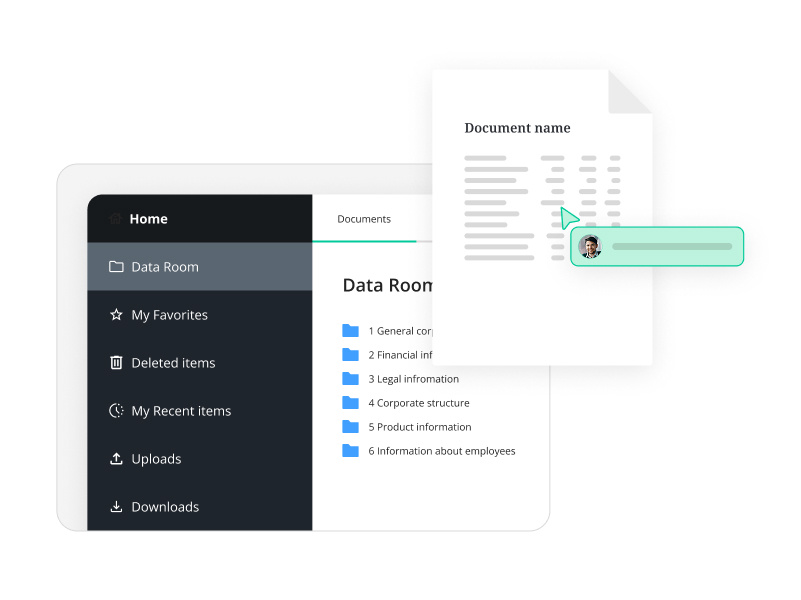
This function allows you to set a new index number for the folder you are currently viewing, including all subfolders and documents, saving you time when building the data room.
Reindexing the Entire Data Room
To reindex the entire data room:
- Navigate to the root folder (Data Room).
- Select More actions > Reindex.
- If you press Apply without adding a prefix, the system will automatically assign prefixes like 1, 2, etc., to parent folders, and 1.1, 1.2, 1.1.1, 1.1.2, etc., to subfolders.

Adding a Prefix Value
- If you add a value (e.g., "4") in the prefix field, it will be used as the initial value.
- Parent folders will receive prefixes like 4.1, 4.2, etc.
- Subfolders will receive prefixes like 4.1.1, 4.1.2, 4.1.1.1, 4.1.1.2, etc.

Reindexing Specific Subfolders
To reindex items within a specific subfolder:
- Open the target location.
- Press More actions > Reindex.
- The existing prefix will be displayed automatically in the prefix field when reindexing the contents of a subfolder.
Example:
Below is an example showing the previously applied prefix to the documents in the target subfolder.

Auto Index
If auto index is not enabled, you can enable this under Settings>Documents and Folder Settings. All new data rooms will have this enabled. If you wish to disable auto index, the button will allow you to disable the feature.

When you enable automatic indexing, the folders currently in the data room will a new default index. This will allow you to add new files and folders to the data room, which will automatically receive an index number.
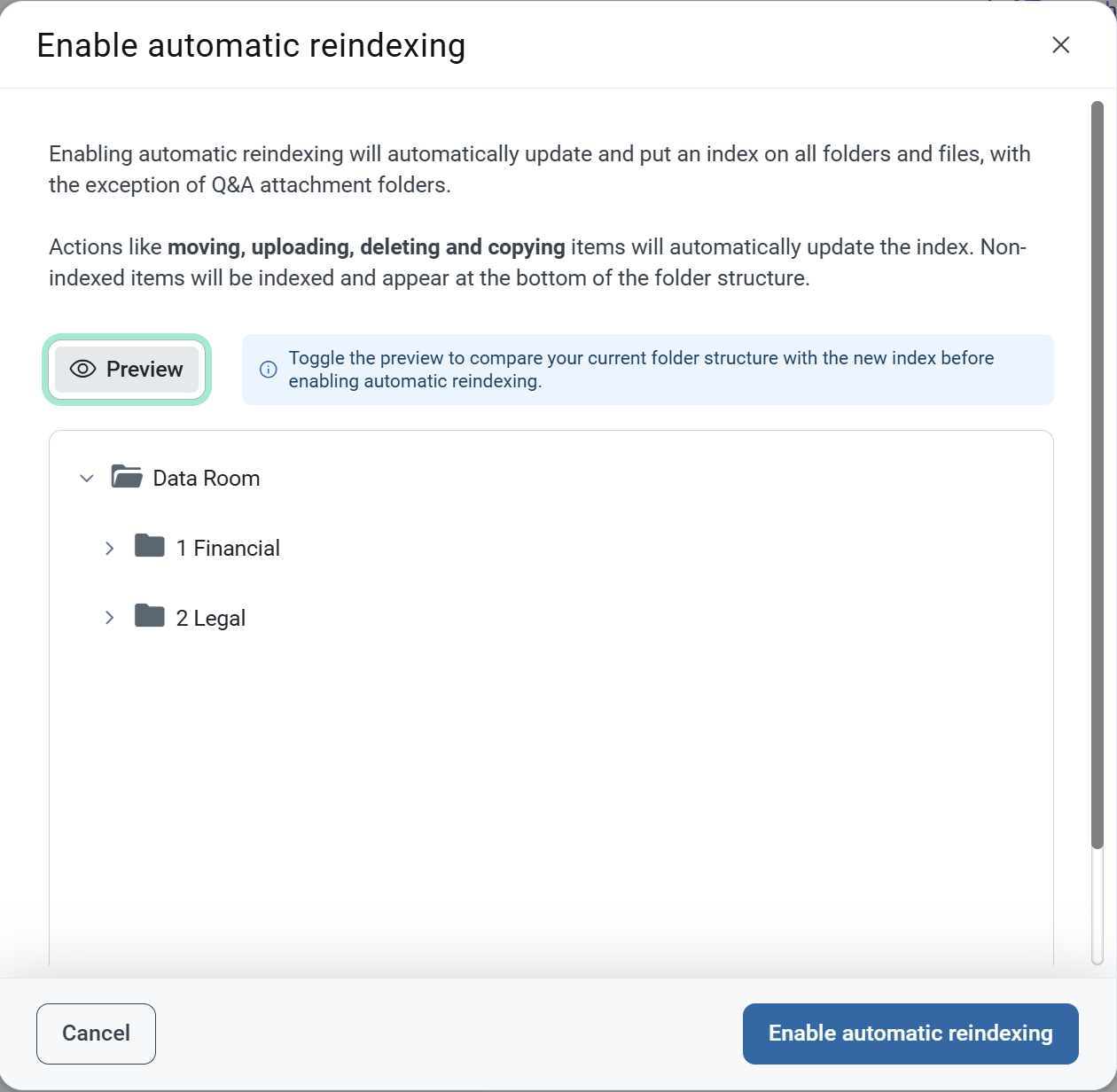
If you move a folder inside the folder structure, the index will adjust accordingly.
Note that Q&A attachment folder is excluded from auto index. Also, when auto index is enabled, it is not possible to manually adjust the indexing.