Boards & Governance
 M&A & Transactions




.png)





.png)
 Board Management Software
 Customer stories
 Insights
 Events & Webinars
 Security & Privacy
 Product updates

.jpg)




-Jul-03-2026-06-32-50-9626-AM.png)
 Login
Login
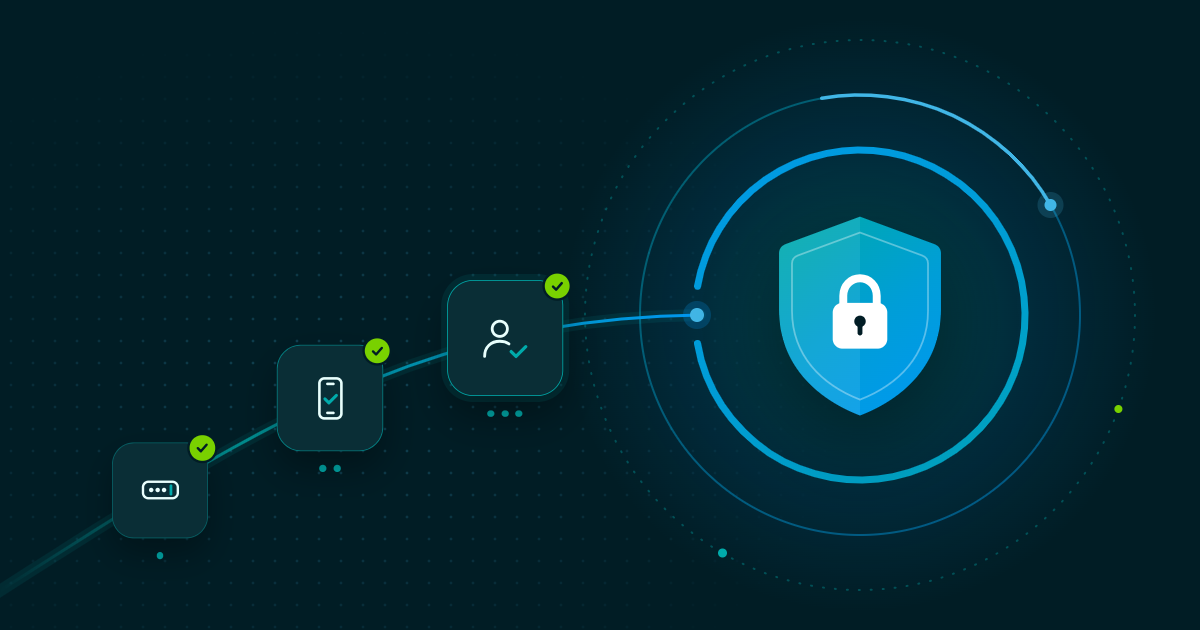 Cyber security does not always start with complex technology. Often, some of the most effective ways to reduce cyber risk are also the simplest: use strong, unique credentials, enable Multi-Factor Authentication and use Single Sign-On where available.
Whether you are a board member, executive, employee or external stakeholder, your account may provide access to sensitive business information. Protecting it is therefore an important part of protecting your organisation.
Here are three practical steps you can take to secure your account and reduce the risk of account compromise.
1. Use a Strong and Unique Password or Passphrase
Passwords are often the first line of defence protecting an account, but they are also a common target for attackers.
Common password security risks include:
- Reusing passwords across multiple accounts
- Using short or easily guessed passwords
- Using personal information
- Making predictable variations of old passwords
A strong password should be long, unique, and difficult to guess. One practical option is a memorable passphrase made up of several unrelated words.
For example:
- 1Silver-Harbour-Coffee
- The-DogSleeps-ontheCouch!
Do not use these examples as your own passwords. Create a unique passphrase that only you know.
A password manager can also help generate and securely store unique passwords, removing the need to remember dozens of credentials.
Why does password uniqueness matter?
If a password is exposed in a data breach and has been reused elsewhere, attackers may attempt to use the same credentials against other accounts. This is known as credential stuffing.
Using a unique password for every service limits the potential impact of a compromised credential.
Key takeaway: Use a long, strong and unique password or passphrase for every important account, and consider using a password manager.
2. Enable Multi-Factor Authentication (MFA)
A strong password should not be your only layer of protection.
Multi-Factor Authentication (MFA) requires an additional form of verification when signing in. Depending on the service, this could include:
- An authenticator app or eID
- A push notification
- A hardware security key
- Biometric verification
The principle is simple: authentication can require something you know, something you have, or something you are.
If an attacker obtains your password through phishing or a data breach, MFA can provide an additional barrier to accessing the account.
Why does MFA matter for business accounts?
Business accounts can provide access to sensitive information, including board documents, financial data, confidential correspondence, and transaction information.
For organisations handling sensitive data, MFA is an important part of a modern authentication strategy. It can also help organisations apply consistent security controls across users and applications.
Key takeaway: Enable MFA wherever it is available, particularly for accounts that provide access to sensitive business information.
3. Use Single Sign-On (SSO) Where Possible
Single Sign-On (SSO) allows users to authenticate through a central identity provider and access multiple authorised applications without managing separate login credentials for each one.
For example, an organisation may use an identity provider such as Microsoft Entra ID to manage authentication across its business applications.
Instead of maintaining separate passwords and security settings for every application, SSO allows organisations to centralise authentication and access management.
This can mean:
- Users authenticate through a central identity provider
- Access can be managed centrally
- MFA can be enforced through the identity provider
- User access can be adjusted or revoked centrally
- Employees have fewer passwords to manage
How does SSO reduce cyber risk?
SSO can benefit both security and usability. Organisations can apply consistent authentication policies, while users have fewer passwords to remember and therefore fewer opportunities to reuse credentials.
When combined with MFA and appropriate access controls, SSO can form an important part of an organisation's identity and access management strategy.
Key takeaway: Where SSO is available, use it to centralise authentication and support consistent security controls.
Security and Compliance Start with the Basics
Cyber security is not only about advanced technology. Every user is part of an organisation's overall security posture.
Regulations such as NIS2 and DORA place greater emphasis on cybersecurity, risk management and organisational resilience. Strong authentication and access controls are important components of that broader approach.
For individual users, three simple actions can make a meaningful difference:
1. Use a strong and unique password or passphrase
Avoid password reuse and consider using a password manager.
2. Enable Multi-Factor Authentication
Add another layer of verification so a password is not the only barrier protecting your account.
3. Use Single Sign-On where available
Take advantage of centralised authentication to support security controls and simplify access management.
Good cyber security starts with good habits. By securing your own account, you help protect the sensitive information you have access to and contribute to your organisation's wider cyber resilience.
Frequently Asked Questions
What are the three steps to secure an account?
Use a strong and unique password or passphrase, enable Multi-Factor Authentication (MFA), and use Single Sign-On (SSO) where available.
How does a unique password reduce cyber risk?
A unique password prevents a credential exposed in one data breach from being reused to access your other accounts. Password reuse increases the potential impact of a compromised credential.
What is Multi-Factor Authentication?
MFA is an authentication method requiring more than one form of verification before granting access, such as a password plus an authenticator app, security key or biometric verification.
What is Single Sign-On?
SSO allows users to authenticate through a central identity provider and access multiple authorised applications without maintaining separate login credentials for each one.
How do passwords, MFA and SSO work together?
Each provides a different layer of account security. A strong, unique password protects the credential, MFA adds another verification factor, and SSO helps organisations centralise authentication and access management.
Together, these measures help reduce account compromise and support a stronger approach to cyber resilience.